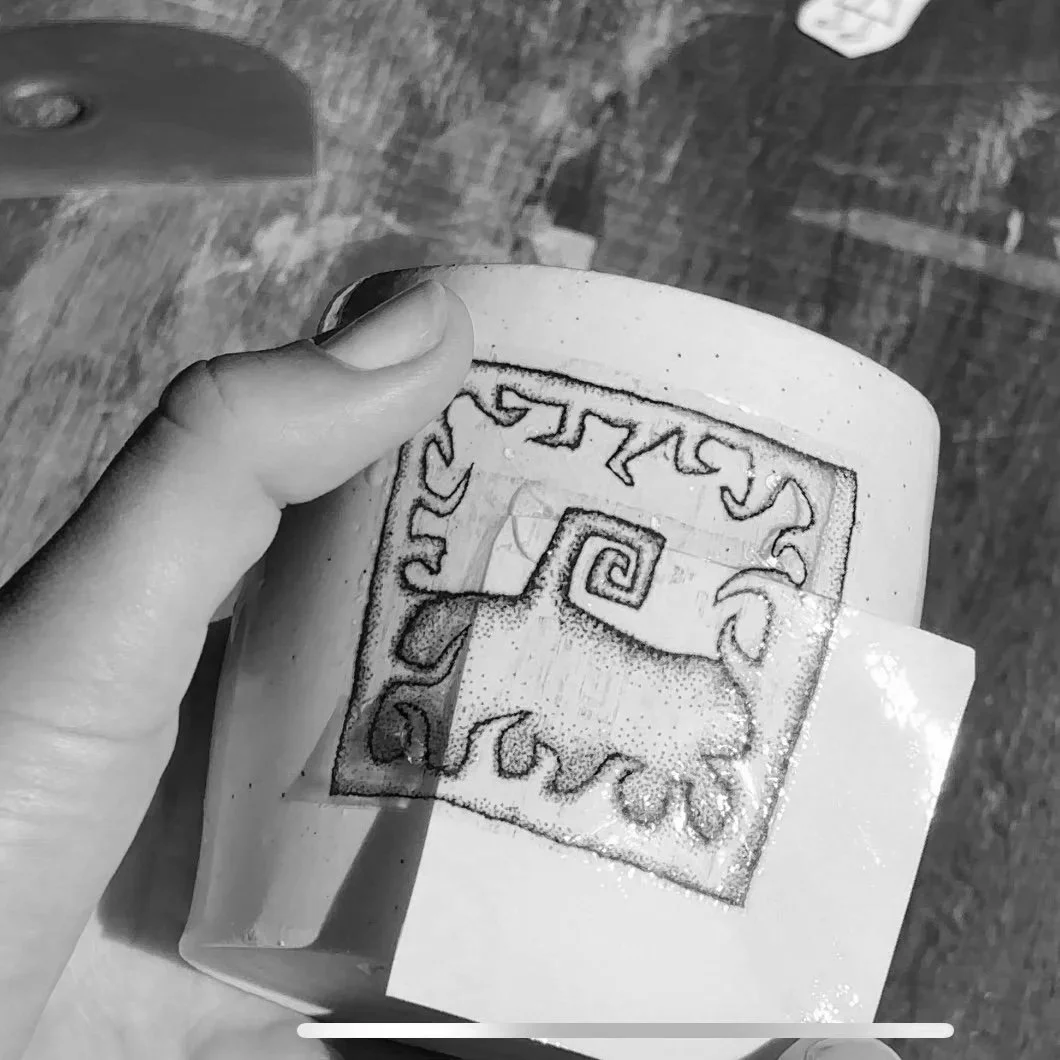
Decal Printing Service
I’m now offer a ceramic decal printing service!
Simply upload your page of designs in the specified format - then I’ll print and post them to you ready for application.
$50 per A4 sheet of decals
To Order:
Upload your file using the form below
Add the product to your cart
Proceed to checkout
Step 1: Upload Your File
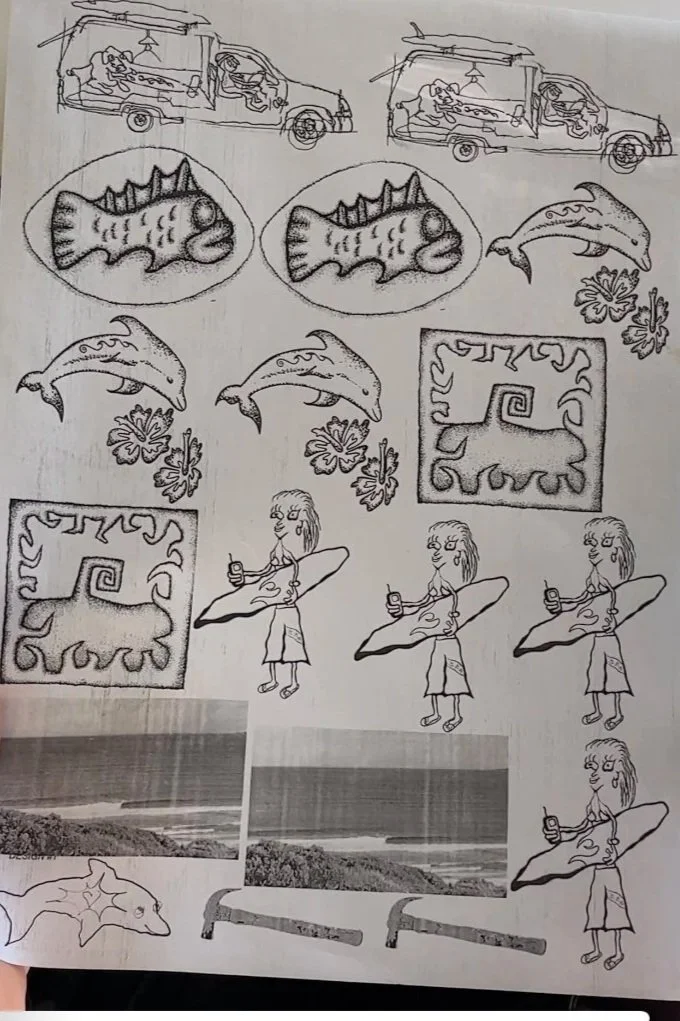
Please upload your A4 sheet of images to be printed. Your file must meet the following requirements, or it will not be printed:
PNG file
A4 size (210mm by 297mm)
300dpi resolution
Black and white designs only
Step 2: Add to Cart
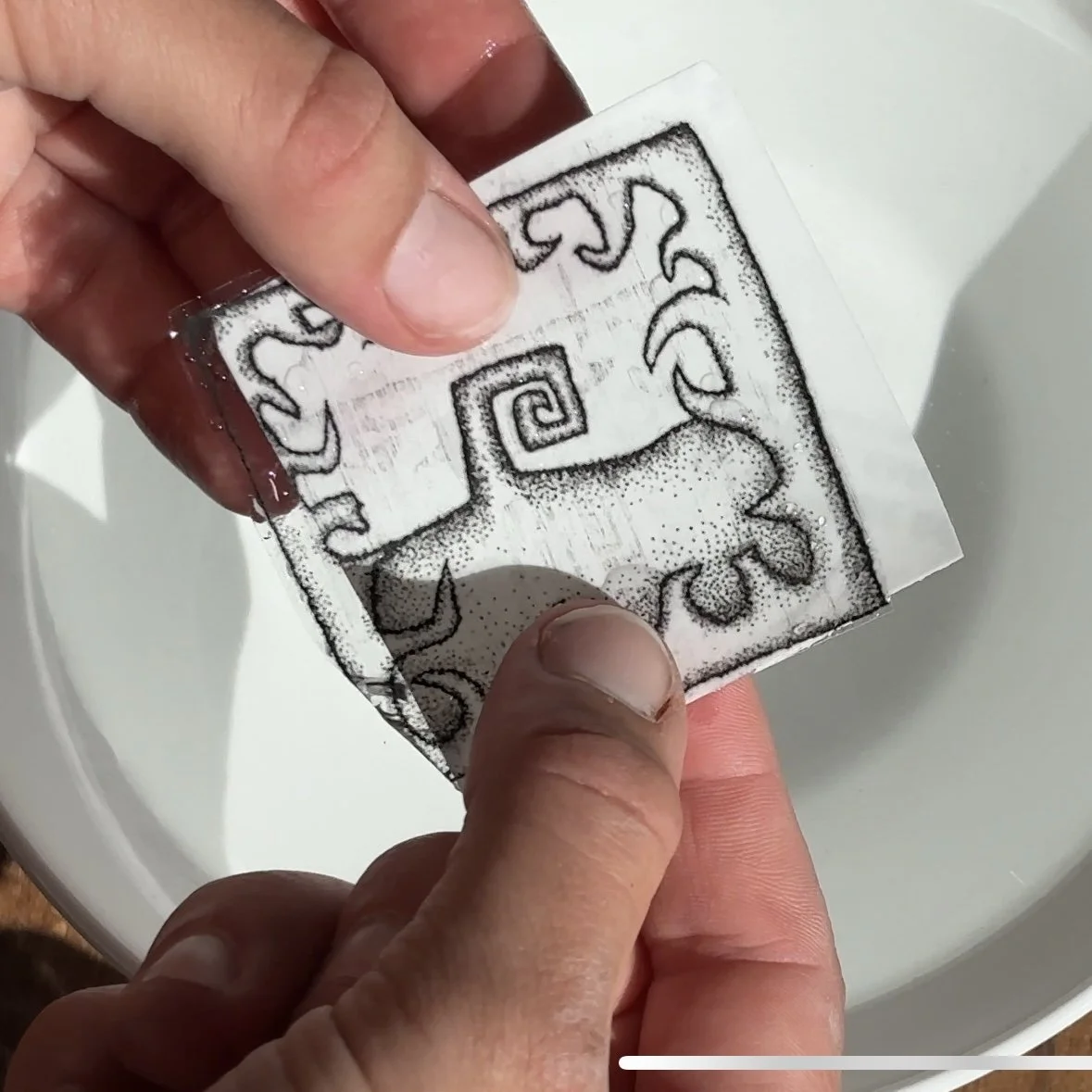
*Before adding the decals to your cart, please upload them in the correct format using the form below this listing.
Want to create ceramic decals without the hassle of sourcing the right printer?
I offer a decal printing service where I print your designs onto ceramic waterslide decal paper and post them directly to you - ready to apply and fire.
$50 per A4 page
This is perfect if:
You can’t find the right laser printer
You don’t want to invest in equipment
You’d rather skip straight to the making
Each order includes:
Your designs printed on an A4 sheet
High-quality ceramic decal paper
A printed instruction guide on how to apply and fire your decals
All you need to do is:
cut, apply, and fire in your ceramic kiln.
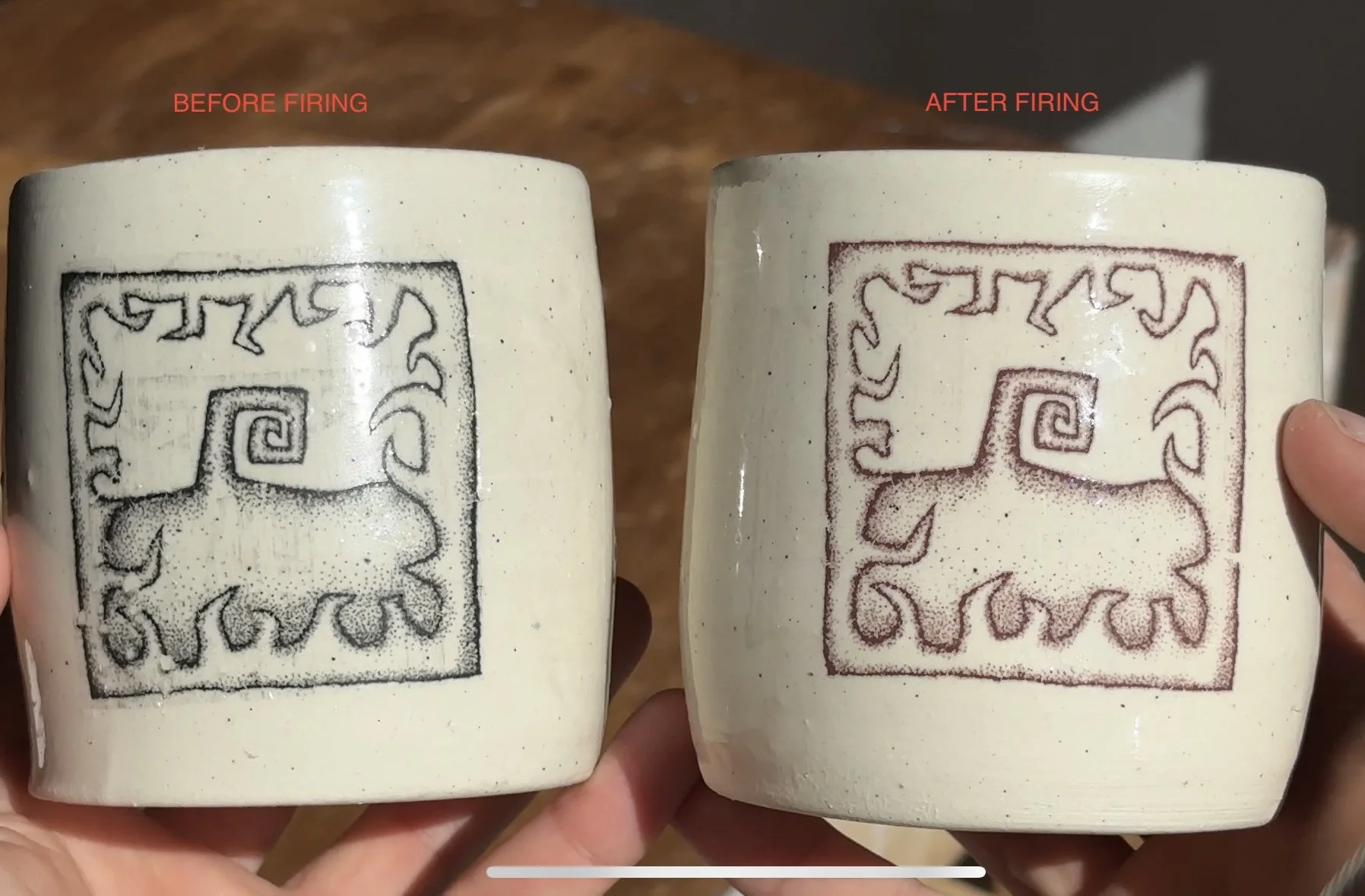
Please note: The printer can only print black ink, designs with colour in them will not work. The result of the black ink after firing in your kiln will be a faded brown/red colour (see product images)
*Before adding the decals to your cart, please upload them in the correct format using the form below this listing.
Want to create ceramic decals without the hassle of sourcing the right printer?
I offer a decal printing service where I print your designs onto ceramic waterslide decal paper and post them directly to you - ready to apply and fire.
$50 per A4 page
This is perfect if:
You can’t find the right laser printer
You don’t want to invest in equipment
You’d rather skip straight to the making
Each order includes:
Your designs printed on an A4 sheet
High-quality ceramic decal paper
A printed instruction guide on how to apply and fire your decals
All you need to do is:
cut, apply, and fire in your ceramic kiln.
Please note: The printer can only print black ink, designs with colour in them will not work. The result of the black ink after firing in your kiln will be a faded brown/red colour (see product images)
Before and After Firing
How To Save Your File
Watch this video if you’re unsure how to save your file in the correct format. I’m using a Macbook and the pages application.